
The Grid Maker
Plan your Instagram grid before you post
Real 3:4 preview in an Instagram-style mobile profile view. Drag to reorder, export a mockup — all in your browser.
- 100% local — no upload
- No sign-up
- Free to use
your_username
Your bio goes here — a line or two about your profile.
Drag & drop, paste, or
Your feed preview updates instantly as you add posts and edit your profile.
More tools
Pick a tool, get to work
Each tool does one job well — no tabs, no clutter. Everything runs locally in your browser.
Tile splitting
Grid Tile Splitter
Divide one photo into equal grid tiles for puzzle feeds. Download tiles one-by-one or as a ZIP.
Split into tiles →Screenshot import
Grid Screenshot Import
Upload a profile screenshot, frame the 3-column grid, and cut it into existing tiles for reorder planning.
Import from screenshot →Why plan first
See the whole feed before you publish
Upload order is not feed order. Drag tiles on a real 3:4 grid until the story reads right.
Before — upload order
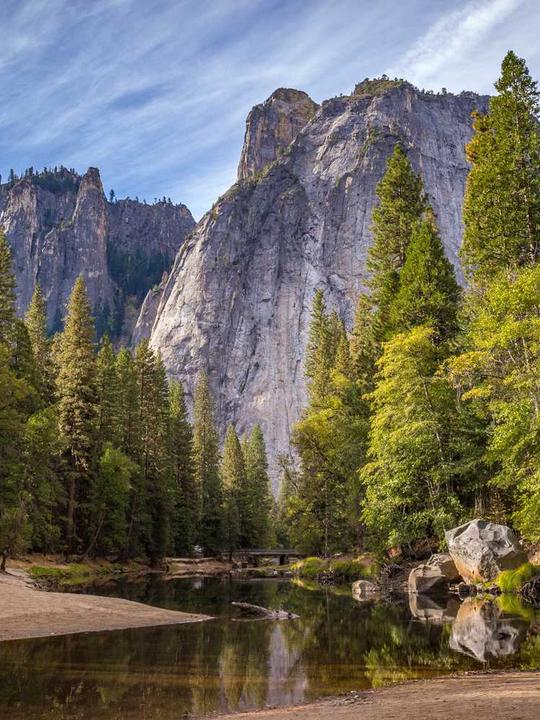
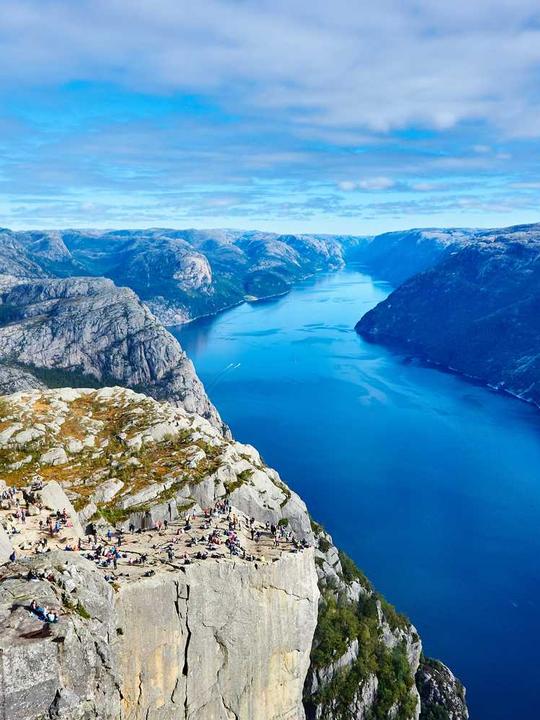





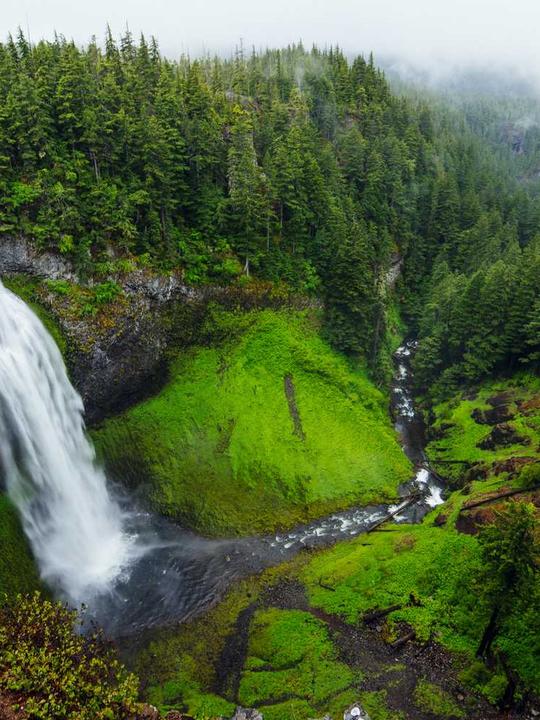
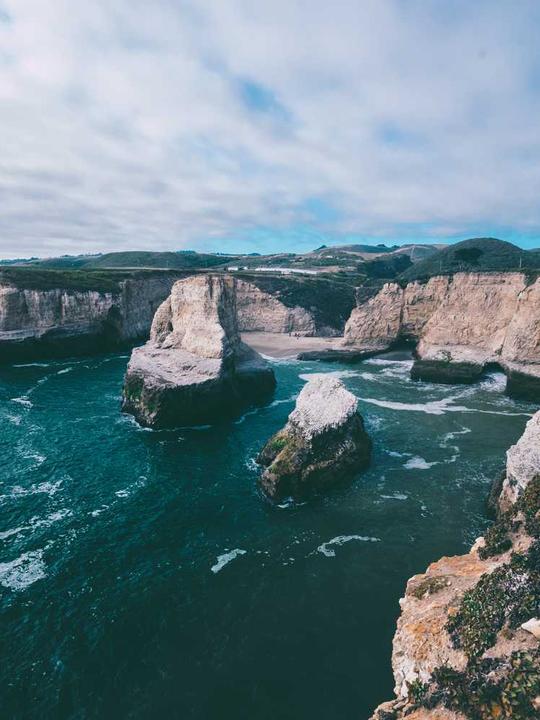
Random upload sequence. Hard to tell if colors, crops, and rhythm work together until it's live.
After — planned grid
Reordered on a real 3:4 preview. Export a mockup for approval — images never leave your device.
- Real 3:4 profile ratio
- Drag to reorder + A/B scenarios
- Export mockup — no watermark
How it works
From photos to a planned feed
Add your posts
Drag in, paste, or pick JPG/PNG/WebP images — up to 15 at once.
Arrange the grid
Reorder tiles in a real 3:4 preview and switch between A/B scenarios instantly.
Fine-tune each tile
Crop, zoom, rotate or set a background — non-destructive, undoable.
Export & share
Download a grid or profile mockup, or a step-by-step posting checklist.
Choose the right workflow
Plan separate posts, rework a live grid, or make a puzzle feed
The planner is the home base. Use the two focused tools when your starting point is one image or an existing profile instead.
Plan future posts
Add individual images, compare A/B orders, adjust each crop, and keep a shareable mockup or posting checklist ready before anything goes live.
Rework what is already live
Start with a profile screenshot when you need to see an existing grid in a new order. Imported tiles stay clearly marked until you replace them with original images.
Split one continuous image
Use the Tile Splitter for puzzle feeds. Its equal cuts and posting-order manifest keep one source image aligned across every tile.
Frequently asked questions
Does The Grid Maker connect to my Instagram account?
No. The Grid Maker does not ask you to log in, sync a profile, or post on your behalf. You choose images from your device and keep control of what you publish.
Can I preview a 3:4 grid and export 4:5 posts?
Yes. The planner shows the 3:4 profile crop while keeping export sizing separate. Check the crop in the planner, then export a 4:5 or square version when that fits your posting workflow.
How many posts can I plan at once?
A project can hold up to 15 posts. That is enough to plan a full 3-column grid while keeping the workspace quick to use on desktop and mobile.
Can I rearrange posts that are already on my profile?
Yes. Use Grid Screenshot Import to frame a profile screenshot, turn the visible posts into Existing tiles, and test an order before you make changes on your phone.
What can I export from the planner?
Export a grid mockup, a profile mockup, or a posting checklist. If you are making a single puzzle image rather than arranging separate posts, use Grid Tile Splitter to download matching tiles.
Are my photos uploaded or stored online?
No. Image processing, previews, and exports run locally in your browser. Your photos are not sent to a server by this tool.
Plan your next grid in minutes
No account, no upload, no watermark. Just you and your feed.